

Have you ever walked into a company’s headquarters and seen a wall filled with employee photos, names, and titles connected by lines that map out who reports to whom? That’s an organisational chart, and while it might look straightforward, creating and maintaining one in a workplace can be anything but simple.
Imagine you’re a key account manager at a multinational corporation. Your day-to-day involves navigating complex client organizations, each with its own layered hierarchy and network of decision-makers. One of your biggest challenges? Keeping track of who influences which decisions and understanding the power dynamics within these organizations. This is where robust organizational chart software becomes indispensable.
These tools are crucial for visualizing corporate structures and strategic account management. They help you identify key players, understand reporting relationships, and tailor your engagement strategy accordingly.
In this blog, we’ll explore the top organizational chart software of 2024, focusing on its features, usability, and how it caters to key account managers like you. Whether part of a small firm or a large enterprise, you’ll find insights on choosing a tool that enhances your strategic account management capabilities.
 DemandFarm is particularly noted for its functionality in key account management alongside its org chart capabilities. It automates the creation of org charts from existing data, which helps in saving time and improving accuracy.
It’s an excellent choice for large enterprises that manage numerous complex relationships across different departments and geographies.
DemandFarm is particularly noted for its functionality in key account management alongside its org chart capabilities. It automates the creation of org charts from existing data, which helps in saving time and improving accuracy.
It’s an excellent choice for large enterprises that manage numerous complex relationships across different departments and geographies.
 One of Lucidchart’s most significant features is its real-time collaboration capability. This allows multiple users to work on the same chart simultaneously from anywhere in the world. Each change is instantly visible to all participants, ensuring that everyone is always working with the most current data.
This feature is particularly beneficial for remote teams or organizations with multiple locations, as it supports seamless communication and decision-making processes.
Lucidchart is primarily designed as a diagramming and visualization tool rather than a dedicated account management platform. It lacks features specifically tailored for key account management, such as tracking client interactions, managing sales pipelines, or integrating deeply with CRM systems to provide actionable insights specific to key accounts.
While Lucidchart integrates with platforms like Salesforce, these integrations are more about visualizing data rather than enhancing the CRM’s functionality concerning account management.
The tool is great for creating organizational charts and mapping relationships, but it does not offer specialized functionalities such as sales forecasting, account health scoring, or opportunity identification that are crucial for key account managers.
Key Features:
One of Lucidchart’s most significant features is its real-time collaboration capability. This allows multiple users to work on the same chart simultaneously from anywhere in the world. Each change is instantly visible to all participants, ensuring that everyone is always working with the most current data.
This feature is particularly beneficial for remote teams or organizations with multiple locations, as it supports seamless communication and decision-making processes.
Lucidchart is primarily designed as a diagramming and visualization tool rather than a dedicated account management platform. It lacks features specifically tailored for key account management, such as tracking client interactions, managing sales pipelines, or integrating deeply with CRM systems to provide actionable insights specific to key accounts.
While Lucidchart integrates with platforms like Salesforce, these integrations are more about visualizing data rather than enhancing the CRM’s functionality concerning account management.
The tool is great for creating organizational charts and mapping relationships, but it does not offer specialized functionalities such as sales forecasting, account health scoring, or opportunity identification that are crucial for key account managers.
Key Features:
Visio is particularly favored by professionals who require a high degree of customization and integration with other Microsoft products.
Visio offers a wide range of diagramming tools that enable users to create detailed, precise diagrams. These tools include a vast array of shapes, templates, and drawing options that can be used to craft everything from simple org charts to complex process maps and floor plans. Visio integrates seamlessly with Office 365 and other Microsoft applications as part of the Microsoft ecosystem.
Visio is excellent at diagramming and creating visual representations, but it does not integrate naturally with CRM systems in ways that are beneficial specifically for KAM. While it can be used alongside CRM systems to map out organizational structures visually, Visio does not handle CRM functions such as tracking interactions, managing sales pipelines, or providing insights based on customer data that are crucial for effective account management.
Microsoft Visio is a general-purpose diagramming tool with a primary focus on creating precise and detailed visualizations. This focus means it is inherently less suited to the dynamic and interaction-focused requirements of KAM, where the ability to quickly update and manipulate client information directly impacts account management effectiveness.
Key Features:
 SmartDraw is a diagramming tool known for its automatic formatting and extensive template library, which make it an attractive choice for creating various types of diagrams and charts.
It automatically adjusts and aligns the elements within diagrams to ensure clarity and provides templates. This allows users to start projects with frameworks tailored to specific needs quickly. Also, it is particularly useful when handling complex diagrams, as it saves time and maintains a neat presentation without manual adjustments.
Unlike specialized KAM tools, SmartDraw does not integrate with CRM systems, essential for managing customer relationships and accessing real-time customer data within account management workflows.
SmartDraw’s general-purpose nature means it lacks features specifically designed for tracking sales opportunities, customer engagement, and other KAM-specific activities
Key Features:
SmartDraw is a diagramming tool known for its automatic formatting and extensive template library, which make it an attractive choice for creating various types of diagrams and charts.
It automatically adjusts and aligns the elements within diagrams to ensure clarity and provides templates. This allows users to start projects with frameworks tailored to specific needs quickly. Also, it is particularly useful when handling complex diagrams, as it saves time and maintains a neat presentation without manual adjustments.
Unlike specialized KAM tools, SmartDraw does not integrate with CRM systems, essential for managing customer relationships and accessing real-time customer data within account management workflows.
SmartDraw’s general-purpose nature means it lacks features specifically designed for tracking sales opportunities, customer engagement, and other KAM-specific activities
Key Features:
Creately creates diagrams that are not only informative but also aesthetically pleasing. This makes it suitable for presentations and reports where visual impact is important.
The platform supports real-time edits and comments from team members, enhancing collaboration. This feature is particularly useful for coordinating projects where multiple inputs and ongoing updates are necessary.
The lack of extensive integrations with external business tools, especially popular CRM systems, can be a significant drawback in KAM, where seamless data flow between systems is crucial for maintaining up-to-date account information.
Key Features:
What is Org Chart Software?
Organizational chart software is a digital tool designed to help create, maintain, and display the structure of an organization. This type of software goes beyond merely showing who reports to whom; it encompasses a range of features that visualise the relationships and hierarchies within a company. It lays out who is in charge of whom, from the executive level down to rank-and-file employees. This is essential not only for new employees getting to know their colleagues and who they will report to but also for senior management to assess the efficiency of their current structures. For key account managers, org chart software is particularly valuable. It can be used to map out the structure of a client organization, identifying key stakeholders and the relationships between them. This strategic insight allows account managers to effectively tailor their approach, ensuring that they engage the right people at the right time to strengthen relationships and maximize opportunities.The Best Org Chart Software of 2024
1. DemandFarm
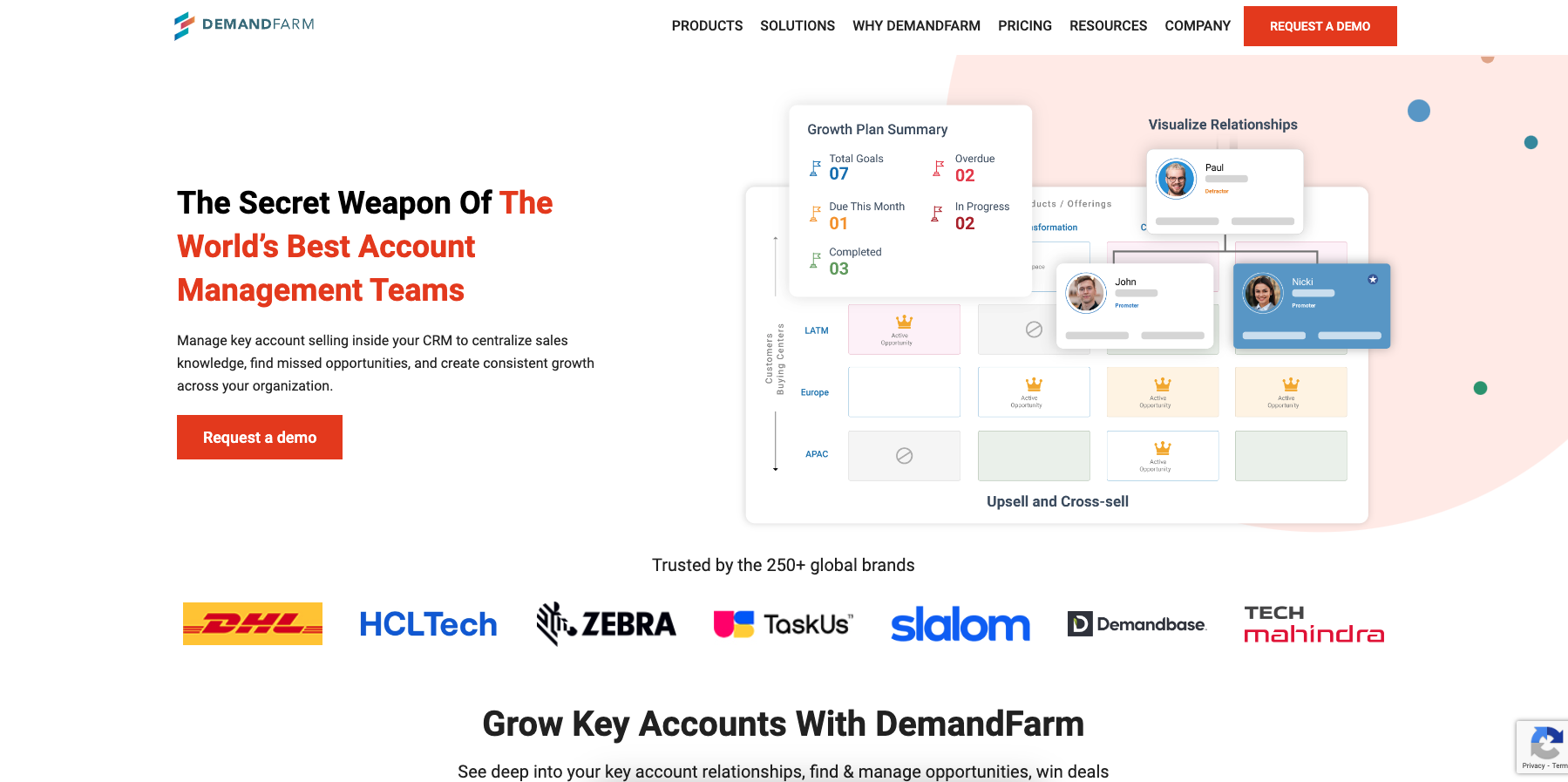
DemandFarm is particularly noted for its functionality in key account management alongside its org chart capabilities. It automates the creation of org charts from existing data, which helps in saving time and improving accuracy.
It’s an excellent choice for large enterprises that manage numerous complex relationships across different departments and geographies.
- Integration with CRM Systems
- Strategic Account Planning Tools
- Enhanced Collaboration Features
- Robust integrations: Two-way sync with customer relationship management tools to provide dynamic insights on client organizations and also with sales intelligence tools to help populate customer data more seamlessly.
- Customizable Views: Tailor views to display relevant information such as contact details, sales opportunities, and more.
- Intelligent contact management: Suggests contacts based on priority, influence, and relevance from sales intelligence tools to aid in efficient org chart building.
2. Lucidchart
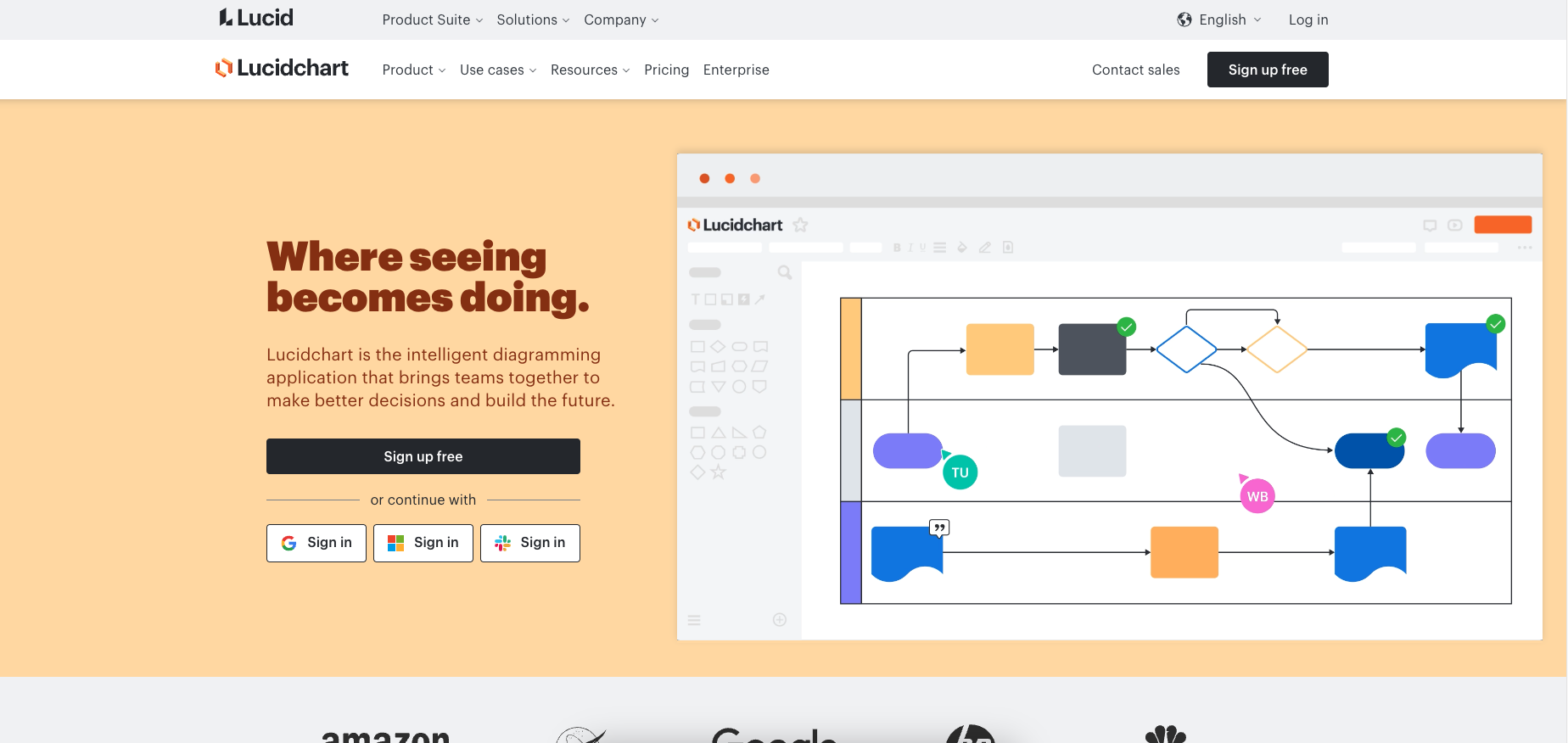
One of Lucidchart’s most significant features is its real-time collaboration capability. This allows multiple users to work on the same chart simultaneously from anywhere in the world. Each change is instantly visible to all participants, ensuring that everyone is always working with the most current data.
This feature is particularly beneficial for remote teams or organizations with multiple locations, as it supports seamless communication and decision-making processes.
Lucidchart is primarily designed as a diagramming and visualization tool rather than a dedicated account management platform. It lacks features specifically tailored for key account management, such as tracking client interactions, managing sales pipelines, or integrating deeply with CRM systems to provide actionable insights specific to key accounts.
While Lucidchart integrates with platforms like Salesforce, these integrations are more about visualizing data rather than enhancing the CRM’s functionality concerning account management.
The tool is great for creating organizational charts and mapping relationships, but it does not offer specialized functionalities such as sales forecasting, account health scoring, or opportunity identification that are crucial for key account managers.
Key Features:
- Real-time Collaboration: Multiple users can edit diagrams simultaneously.
- Extensive Integration: Compatible with platforms like Google Workspace, Slack, and more.
- User-friendly Interface: Intuitive drag-and-drop functionality.
3. Microsoft Visio
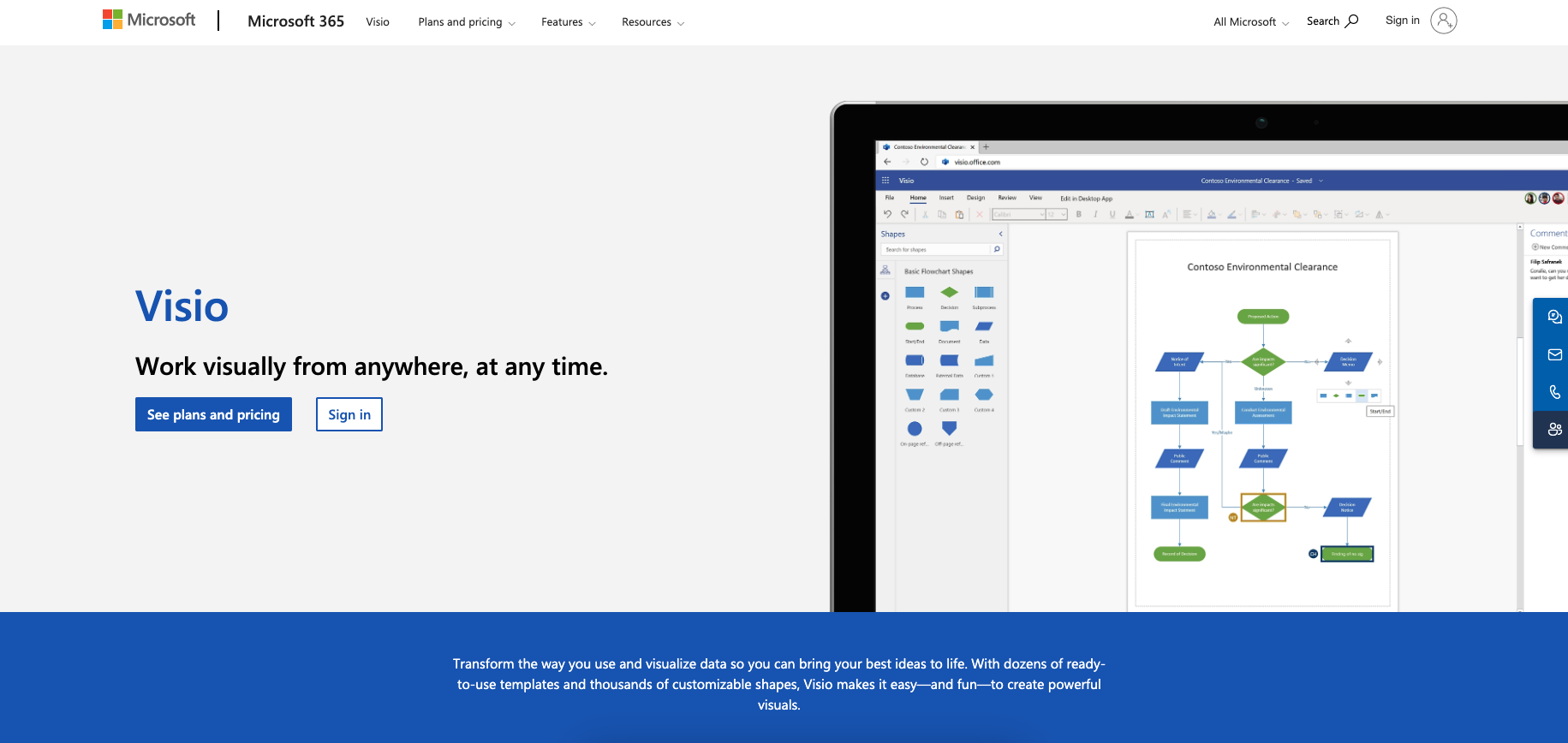
- Advanced Diagramming Tools: Offers detailed and precise diagramming capabilities.
- Strong Microsoft Integration: Works seamlessly with Office 365 and other Microsoft software.
- Data-linked Diagrams: Enables diagrams that update automatically as underlying data changes.
- Requires a separate subscription outside of the standard Office suite.
- Steeper learning curve due to advanced features.
4. SmartDraw
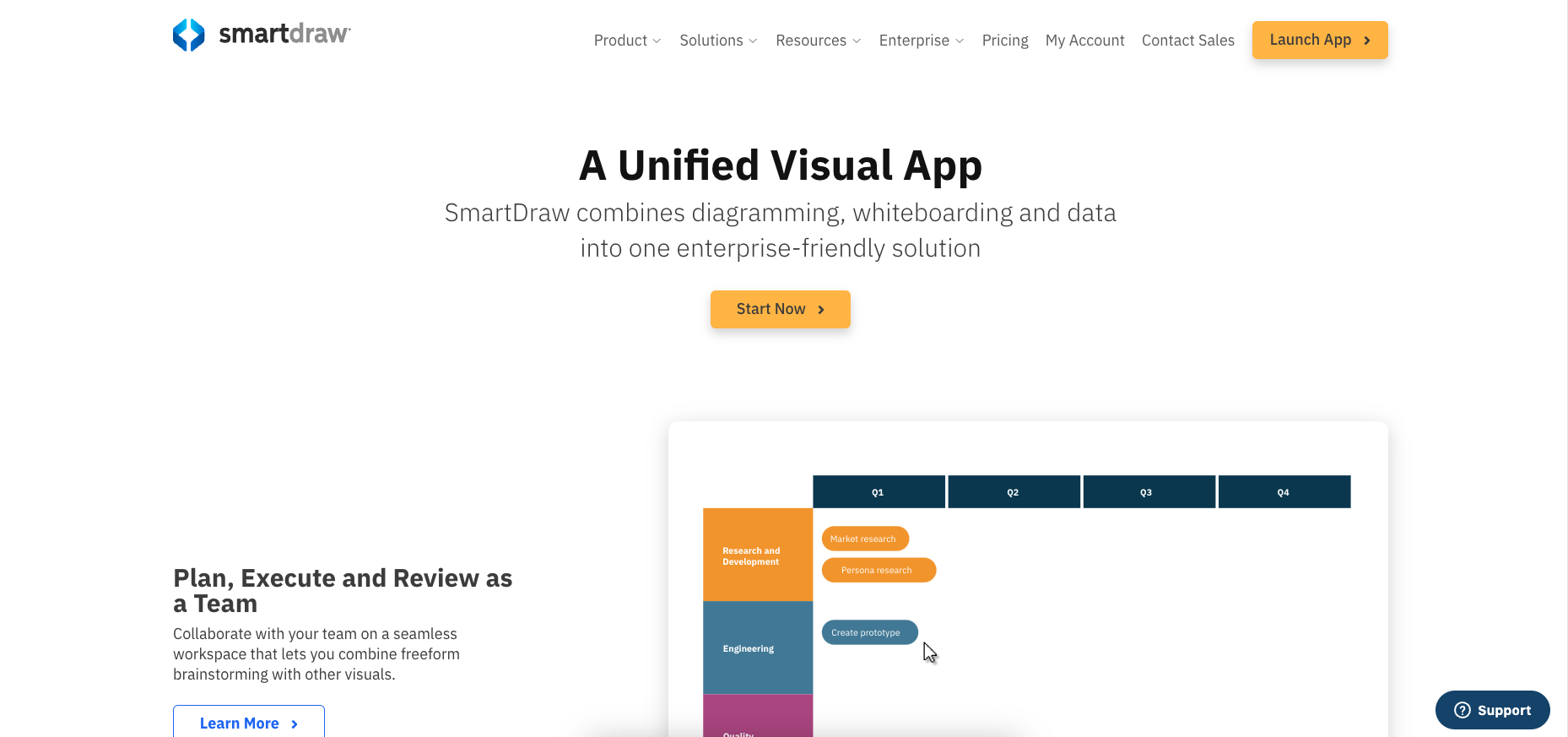
SmartDraw is a diagramming tool known for its automatic formatting and extensive template library, which make it an attractive choice for creating various types of diagrams and charts.
It automatically adjusts and aligns the elements within diagrams to ensure clarity and provides templates. This allows users to start projects with frameworks tailored to specific needs quickly. Also, it is particularly useful when handling complex diagrams, as it saves time and maintains a neat presentation without manual adjustments.
Unlike specialized KAM tools, SmartDraw does not integrate with CRM systems, essential for managing customer relationships and accessing real-time customer data within account management workflows.
SmartDraw’s general-purpose nature means it lacks features specifically designed for tracking sales opportunities, customer engagement, and other KAM-specific activities
Key Features:
- Automatic Formatting: Quickly organizes charts to maintain clarity and professionalism.
- Wide Range of Templates: Offers diverse templates suited to various industries.
- Offline Access: Available as a desktop application for offline work.
- The interface may feel less modern compared to newer tools.
- Limited collaborative features compared to competitors like Lucidchart.
5. Creately
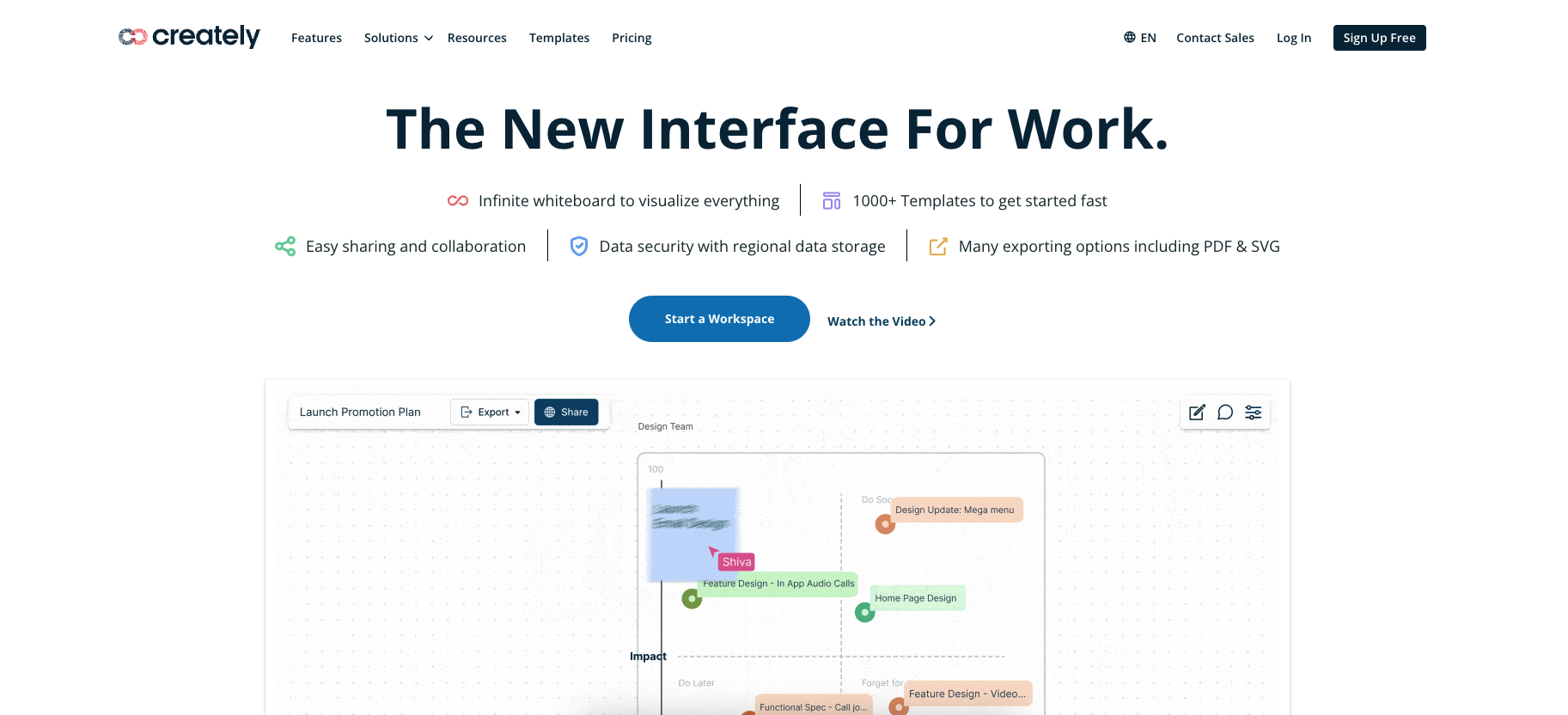
- Visual Emphasis: Strong focus on creating visually appealing diagrams.
- Team Collaboration: Supports team edits and comments in real-time.
- Affordability: Competitive pricing makes it accessible to smaller teams.
- Fewer integrations with external business tools compared to some rivals.
- May lack some depth in features for very complex organizational structures.